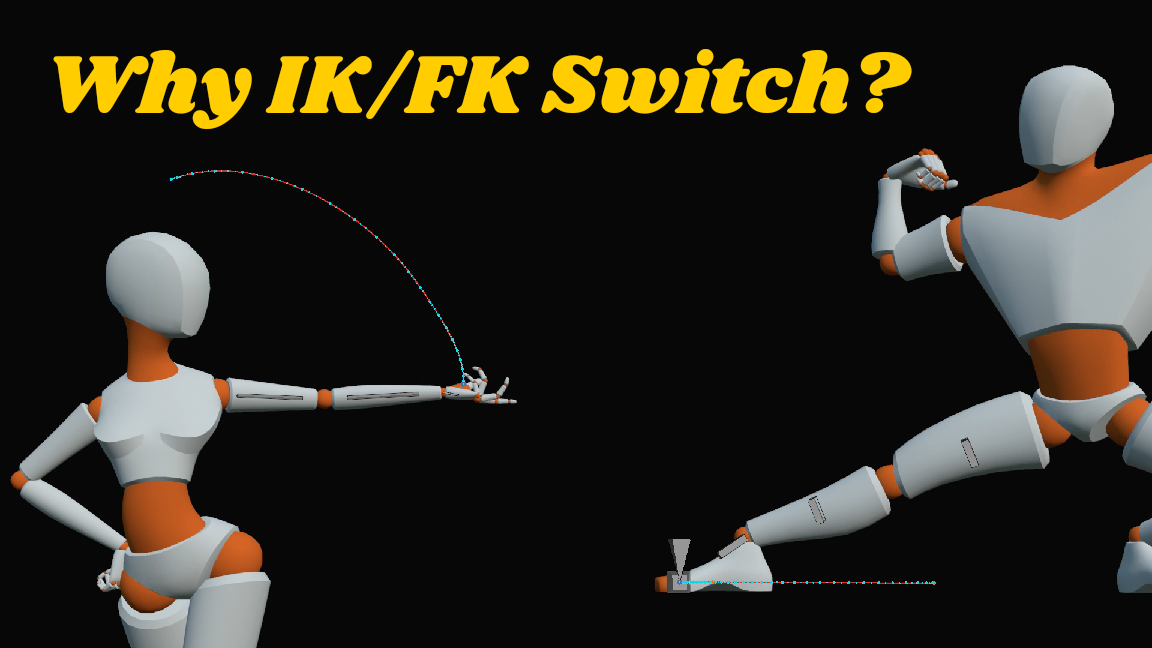
Because both provide their own advantages (and disadvantages) for animating,
And wielding both leads to more control.
Which ultimately leads to higher quality animations.
FK (Forward Kinematics) allow you to rotate a limb and its individual bones from their joints. The movement is always rotation-based.
IK (Inverse Kinematics) allow you to move the end of a limb, say a hand or foot, and that affects the position of the rest of the limb. The movement of the end of a limb is always linear (meaning, it moves in a straight line from one keyframe to the next).
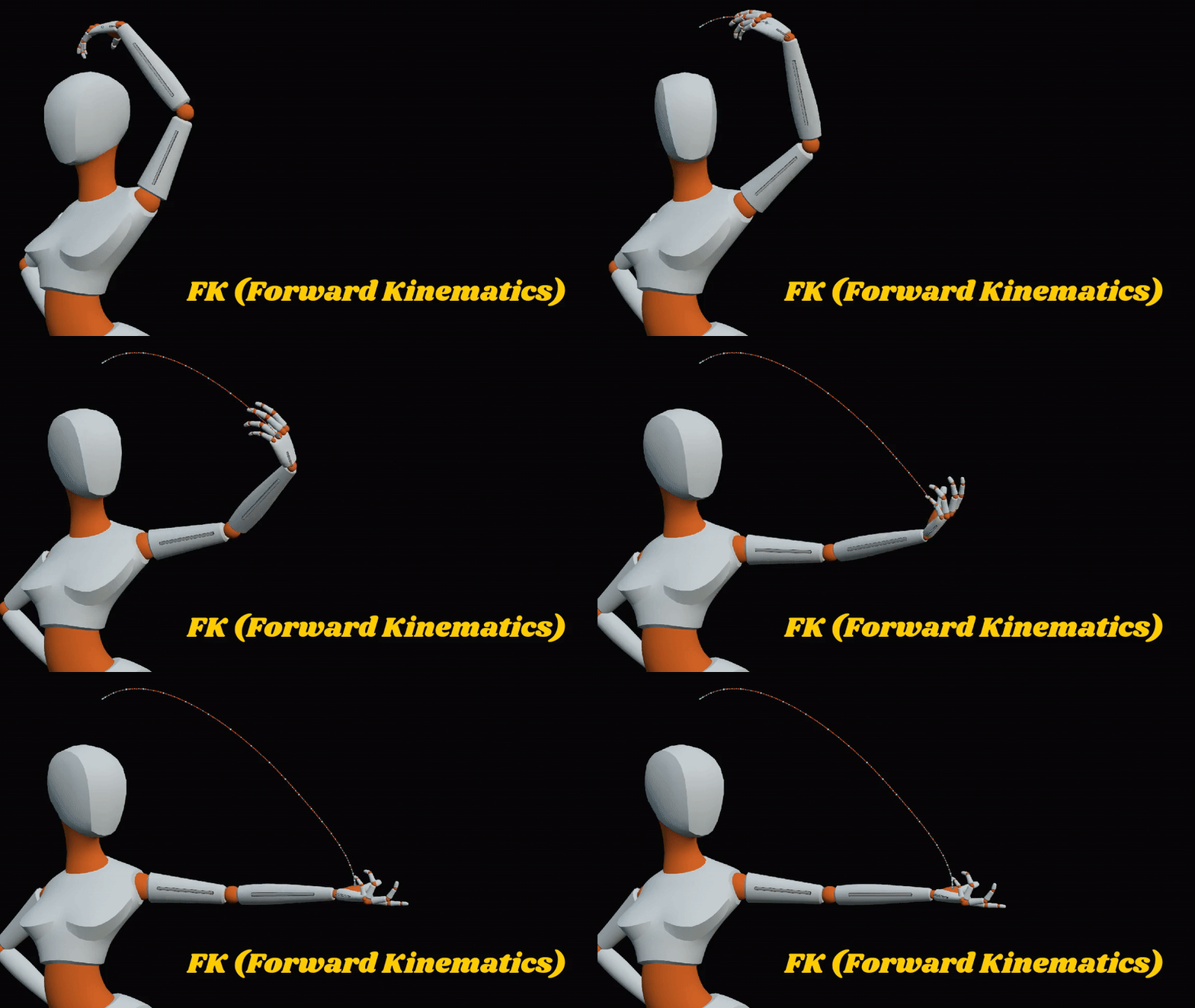
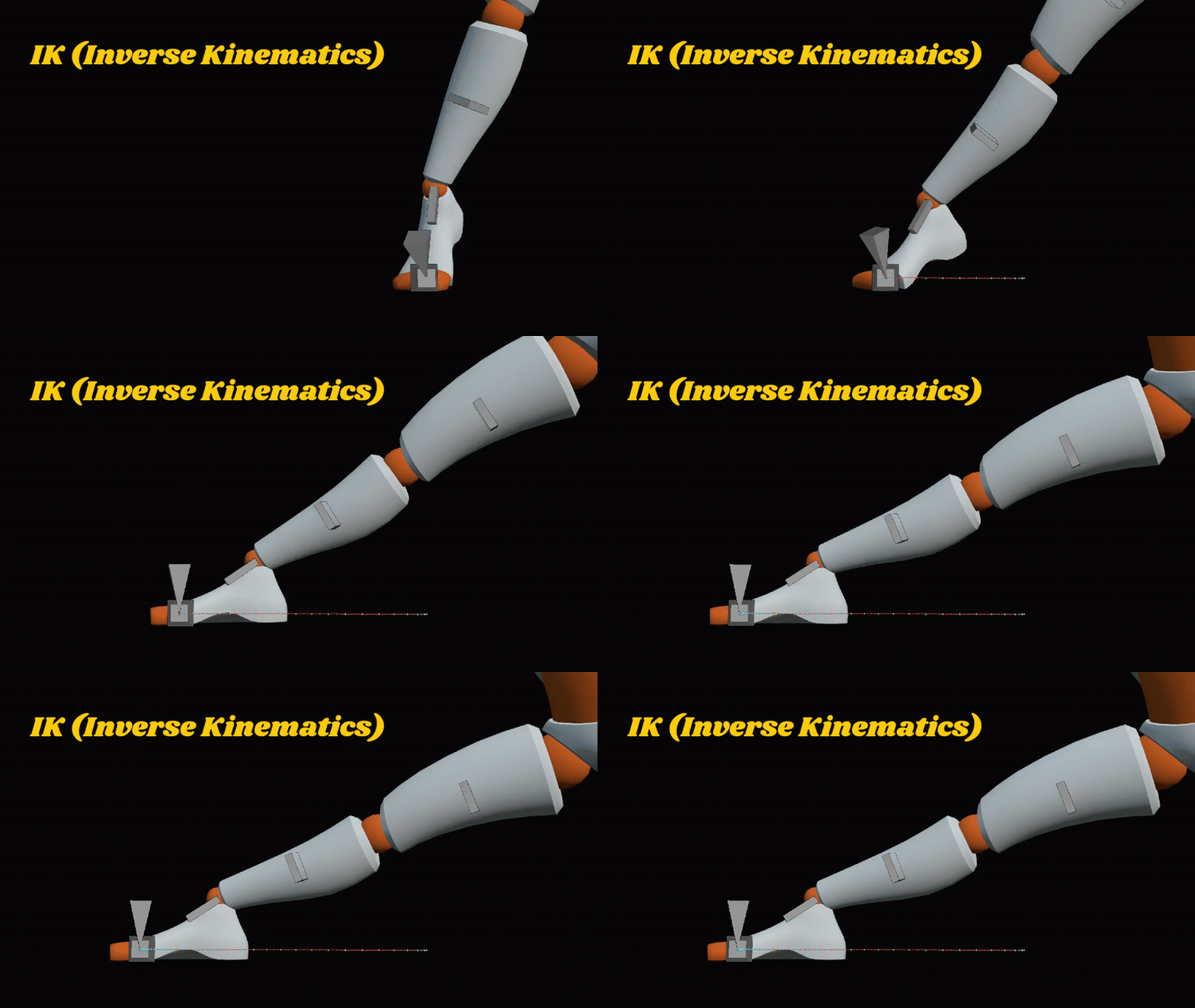
This is the most important thing a lot of beginners fail to recognize: that IK produces linear movements at the end of a limb, and FK produces swinging rotational arcs from the joints.
Let’s say you animate a run cycle with only FK. The leg is fixed to the body, so how do you keep the foot firmly in place while you move around the body? You’d need to keyframe every moment the body is moving, and getting it perfectly in place is a cruel task. And then, what if you want to make edits to the pose?
You’d have to rekey every frame.
Let’s say you animate a run cycle with only IK. The foot is fixed in position no matter where the body moves. So how do you create beautiful arcs while the foot is off the ground? Since the foot of an IK leg moves linearly, you’d have to key every frame to force an arc.
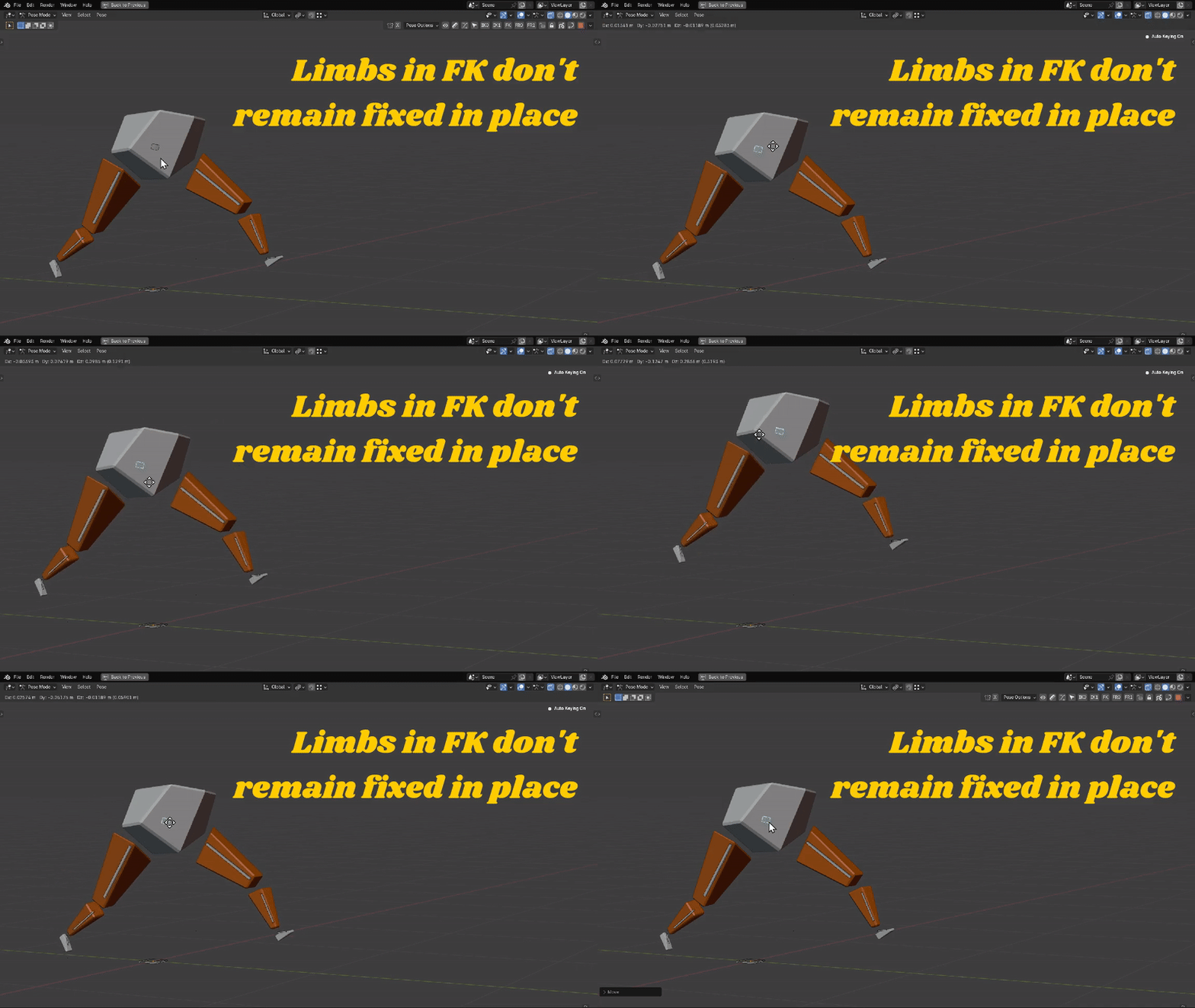
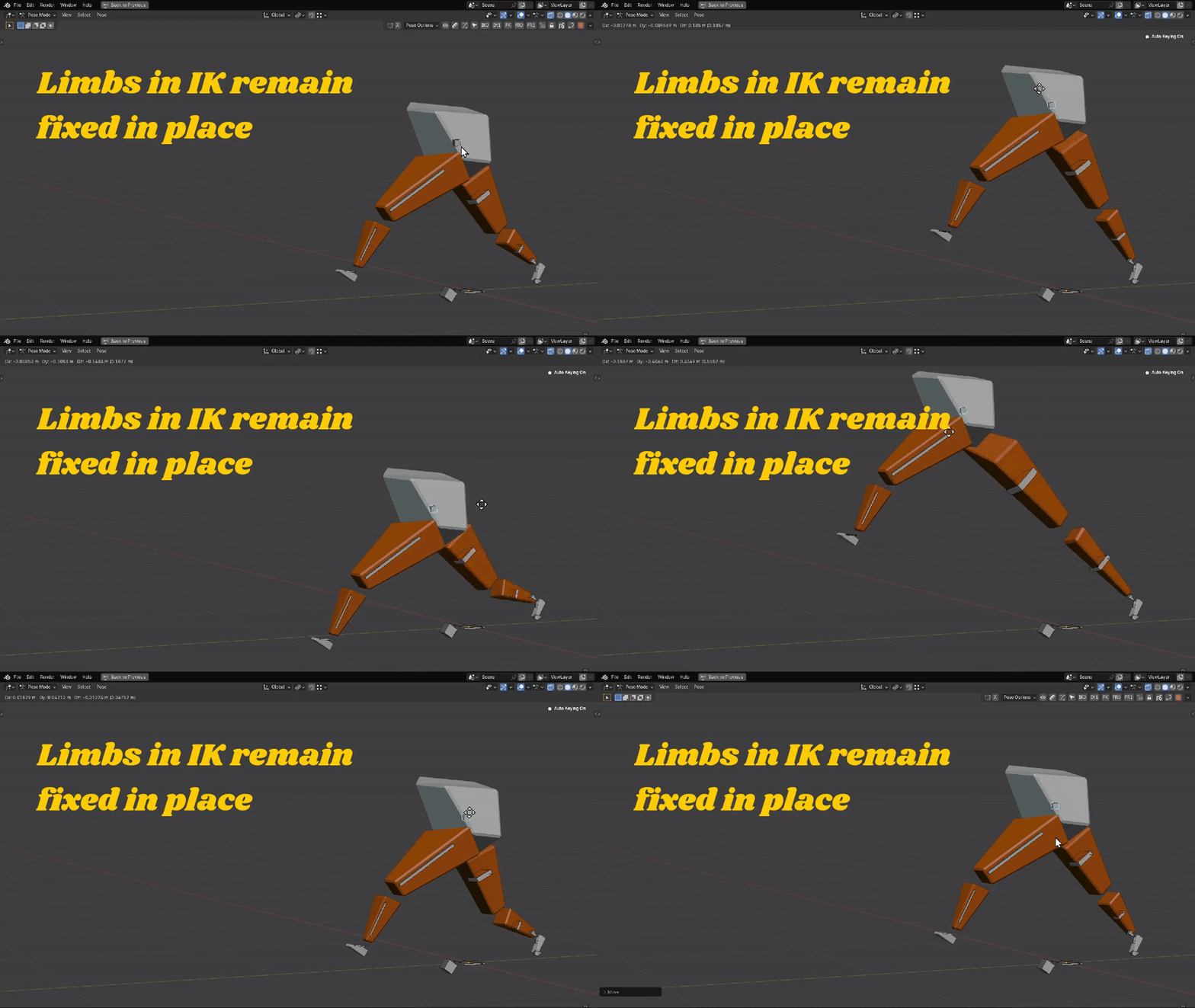
That’s why we IK/FK switch, because both IK and FK offer their own advantages (and disadvantages) while animating. Simply: they make the task of animating easier and provide much more control.
Which is why I created the Kinematic Tool for Blender. Conventional rigging systems require a lot of sluggish edits and clicking to support IK/FK switching, and that just leads to a lot discouraging frustration.
Instead, the Kinematic Tool reimagines how to deal with IK ranges, provides a freely moveable pivot point, and best of all, provides automatic FK to IK snapping at the ends of ranges, all for speed, comfort, and control, and ultimately higher quality animations. Check it out.