
I asked the Blender rigging community:
“What are some rigging mentalities you wish you had early on?”
This is a living article and I’ll add as more contribute. I’m already getting some very strong wisdom and if you’d like to contribute your own to the community, e-mail me at joe@slephy.xyz and be sure to include a link so I can plug your work!
Here are mine:
> added January 7, 2026
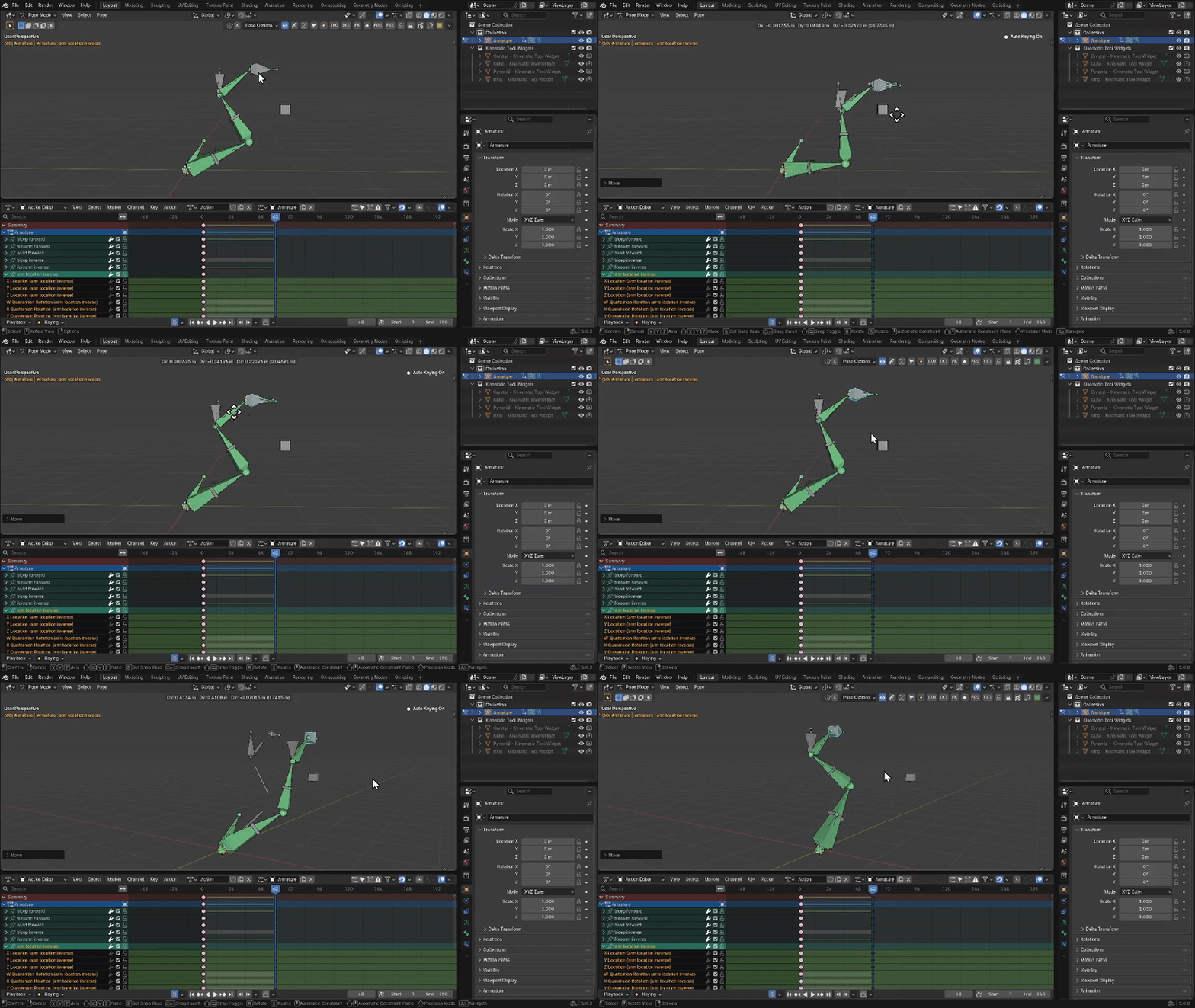
- A bone’s head is everything – scaling, location, rotation, and even parenting all rely on the head – the tail is mostly for visual cues and chaining bones directly together (as in: connected & parented)
- You can experiment cheaply with throw-away armatures – instead of fumbling over your nice tidy character rig, create a new armature and test the simplest version of the problem; work it out until you have a clear solution to the problem that you can integrate into your final project
- Good mesh deformation is limited without corrective bones – I really really tried to get meshes to bend cleanly at joints, but meshes absolutely deform better with corrective bones; quality deformation requires love and detail (sad but true, because time and effort)
Will
Will is super skilled in Blender Python scripting and very helpful with the community!
https://animspot.com/
> added January 7, 2026
Will says:
Here’s some initial thoughts.
- Think in terms of layers of logic/functionality. Instead of trying to add lots of constraints to a single set of bones, break that logic down. Have layers of bones that get some default behaviour from the previous layer, and extend it with more constraints. That can be via a parent/child relationship, or a duplication of some bones with an offset that’s based on the result of the previous layer.
- Understand the ‘space’ that a bone or constraint is operating in. When you look at the transform values for a bone, be clear what space and orientation those values are operating in.
- Separate location and rotation operations if something isn’t doing what you need. Adding a parent bone to take the rotation constraint, and putting the location constraint on the child can give you more control over the result. (Point it in the right direction, then move it along a single axis).
- Build complex systems from simple parts. Reuse simple mechanisms, and combine them to create more complex logic.
- Avoid ‘magic numbers’ (where possible). If you’re creating complex equations, and very specific numbers in a driver or constraint, that could be a sign to look for another solution. Can things be driven differently? Adding an extra bone (or two) that can be used as a measure (via StretchTo, or other constraint) can give you a stable method to drive something with a simple multiplier to scale it correctly.
- Dependency Cycles are a bug. Squash them!
RyanLykos
- you can’t build custom, powerful, mechanisms without at least a fundamental understanding of parenting hierarchy.
A lot of things can be figured out with a clean hierarchy multiplied by constraints, otherwise you would run into cyclic dependencies or have sub optimal rig behaviour (such as constraints being on control bones)
- you are rigging for the animator, and their purposes. Don’t spend hours perfecting a bone based face rig, when the animator only needs the character to smile. In tangent to that, if the animator needs to move multiple bones around the mouth (for example) to achieve one key pose. They’re gonna hate you from all the extra polishing and cost it takes to work like that. Which is why face GUI’s etc are quite popular as they allow an expression to be built with one or two controls.
That’s a convoluted way of saying to optimized your controller behaviour
- relating to that one, less is more, but more never hurts 😆 i like to structure my rigs by having the most amount of control over the mesh as tweaks, without going insane. And then breaking those down to secondary bones that are more broad tweaks. Finally optimising it further to have less primary controls without losing the range of control (if that makes sense)
The concept is to give control to a mesh, it’s especially important for stylised cartoon rigs as the whole reason we’re animating 3D is a substitute for 2D, so you should be able to sculpt the 3D character as much as you would the 2D drawing (which is why concept sheets for expressions are very useful)
Palurdas the Wise
https://youtube.com/@PalurdasArts
The “Child-of” constraint can fast end up in cyclic dependencies. This resulted in buggy movements that no one could explain, even after asking what the cause might be. But because I found my way to this server [p2design discord], I learned so much more about it.
You don’t necessarily need good rigging skills to create good rigs. Working with the Dog Knight RPG models and ARP [Auto-Rig Pro] rigs took some getting used to at first, and they all had missing features that made Rigify seem like a premium model in comparison.
However, I don’t know if the OG rigger simply didn’t have the knowledge or if it’s part of his commission model, although I fear the former. The most annoying thing was that ARP rigs have Euler rotation by default and no “limb follow” option for the limbs. There are Rigify features that I didn’t know about for a long time, but one section gives you the option to add any kind of standard presets. From limbs to tentacles, everything is included to quickly customize the Rigify rig for free, which would make the ARP model questionable. However, ARP does offer good features for retargeting and engine export/import.
Also, how handy the ARP skinning and weightings tools are, they are literally a blessing IMO! That you have options, like selected bones only and Selected verticies only, to define what part of the body or what mesh should be weighted to the selected bones. And ARP seems to better calculate the weightings compared to Automatic weight from Blender.
ElricSteelsword
https://elricsteelsword.artstation.com
I’ve spent a lot of time in the Blender Community Discord, helping people in the rigging channel. Much of my “wisdom” comes from there; solving others’ problems and (trying) to teach has exposed me to the most common problems and misunderstandings.
What *is* rigging, and what is the goal?
- A rig is a tool for the *animator*. RyanLykos said this too, but it’s worth saying it again. Your preferences aren’t that important, only your skill in making functional rigs and the animator happy! Communication with the person(s) who are going to use your rigs is important.
- Rigging is akin to engineering. Never forget this; this means that you need to understand the *underlying logic*.
- Rigging, and really anything in 3D, has a lot in common with programming. Other than being able to write scripts, learning a bit of code will help your general understanding!
- Learn space and transforms early! If you don’t understand coordinate systems, you *will* struggle.
- While the rig itself can become complex, always strive to make the user-layer as simple as possible. My own mental device is “Would a 5 year old understand this?” They probably wouldn’t, but it’s a good reminder to keep the control layer as simple and easy to understand as possible! Choice of custom shapes and placement play a big part in this, and what you decide to show as default.
Learning
- Ask yourself why you’re learning rigging! You just want to learn how to animate? Spend some time on the rigging fundamentals (it will help you), but move over to using pre-made rigs when you can build something simple – avoid starting with auto-riggers.
- As with everything, repetition and thinking through problems will let you learn the fastest.
- Tutorials are a good tool – initially. Watch, copy, rewatch and redo on your own. Then rewatch again if you don’t understand it. But aim to not need them!
- If you still don’t understand, think about the core knowledge you’re missing.
- If you find yourself parroting the video, take a break and come back later.
- Avoid any “tutorial” with a title like “Learn rigging in 5 minutes!” That’s not possible.
- Ask the veterans in the community which tutorials they recommend. There’s a lot of utter crap out there.
- If possible, learn some modelling – especially retopology. It will help you understand deformation better.
Automation
- Automation is not always the wisest solution, and often not worth the time and effort. Something that comes up often is automating shoulder rotation: it’s difficult to get right; it’s very easy to introduce circular dependencies, and it may make the animator’s job harder, not easier.
- Auto-riggers are tools for speed, not a crutch for beginners – if you don’t have at least a basic level of knowledge, they won’t help you much.
Game Rigging
- Game rigging is its own discipline.
- Extra care needs to be taken to not export the whole control rig – Blender sadly makes this unnecessarily hard, so workarounds are needed.
- Separate the deform bones from the control bones properly.
- Game engines hate scaling – don’t use Stretch To and split Copy Transforms into Copy Location and Copy Rotation and make it impossible to scale controls.
Juan Carlos Borda Fernandez
https://www.artstation.com/jcbordafdez
• Presentation and organization, mostly.
After following the AOER [Art of Effective Rigging] courses, this gets mentioned and taught a lot, but before that I used to be quite “messy” compared to how I work now. Blender’s current rigging system is still a bit primitive without nodes, so if you need to make core changes later on, things can get complicated quickly if everything isn’t clearly organized.
I think the biggest mindset shift is asking, “How do I do this?” and when that doesn’t have a clear answer, reframing it as, “How can I cheat or fake this in a believable way?”
I try to rig while thinking about how I would like to animate it. Most of the time I rig for myself, so that mindset comes naturally. But when rigging for someone else or for a public rig, I focus on covering what I consider essential and commonly useful. The key question to keep in mind is: “What does the rig actually need for the project?”
If you’re working in a team, communication is key. Animators may have specific requests, and depending on their experience and yours, you’ll often need to find a common ground that fits the needs of the model and the project. In many cases, extras can be added later via linking or appending, instead of building a huge master rig with multiple mechanisms, outfits, weapons, etc., that may never get used and just consume memory. Of course, this always depends on the project.
Personally, I like trying to be clear and intuitive about what a rig offers, so hopefully it doesn’t feel like the animator needs to study hidden features while animating. Rigging can always be tailored or customized for a specific animator, and sometimes it even makes sense to create different versions of the same rig for different purposes. In game development, it’s not unusual to sometimes have a separate cinematic rig alongside the main gameplay rig.
Todor from CGDive
“What are some rigging mentalities you wish you had early on?”
Remember: rigging isn’t scary!😀 You just need an understanding of a couple of basic concepts such as parenting, simple constraints, and weight painting. Once you’re comfortable with these, advanced tools such as more complex constraint setups, drivers, shapekeys, etc. can be layered on top.
I made an extensive, free rigging course designed around this exact philosophy. It is structured in 3 levels. Level 1 gives you the basics, and Levels 2 and 3 gradually introduce additional tools in your rigging toolbox. You can learn the specific techniques I found useful for beginner ~ intermediate riggers in the course.
So here I’ll focus on how to approach learning difficult things in general.
An important mental concept in learning complex subjects is “The valley of the suck”. I first heard the term from the digital sculptor Ryan Kingslien. Simply put, whenever you try to learn something sufficiently complex, you’ll suck at it really badly for a while. That’s normal and in fact it means you’re learning something worthwhile.
Good learning materials can speed up the process but the only way out of the valley is to persevere. From my personal experience, you can learn some quick basics within a couple of hours. At 20~30 hours of learning things start to suck less. But to really get to the point where things “click” and you’re no longer confused by the subject, it takes around 100 hours of sustained practice. Of course, we’re not talking about mastery here, just solid fundamentals.
“Master XYZ in 20 minutes!” We see this type of clickbait so often that we start to believe it. But I think 100 hours is a more realistic timeframe for getting the hang of the fundamentals.
Link to the full course:
https://www.youtube.com/playlist?list=PLdcL5aF8ZcJsSWrFwmLsQvCIKisuyyMnU
Want to rig and animate with a revolutionary IK/FK rigging system?
Check out the Kinematic Tool https://slephy.xyz/kinematictool/